
 TrustView Documentation
4. Message Templates
It’s possible to customize the content of the messages that TrustView sends out. You can use tags to insert dynamic information into these messages. See Notifications for how each notification type gets triggered in the first place.
4.1. Expiration emails
It’s possible to modify the email subject and body of both the English and Danish version, independently of each other. Because the email body is made of basic HTML, it’s possible to style it.
Important
To save the changes, click Update details. To undo your customizations, click Reset to default templates.
4.1.1. Data columns
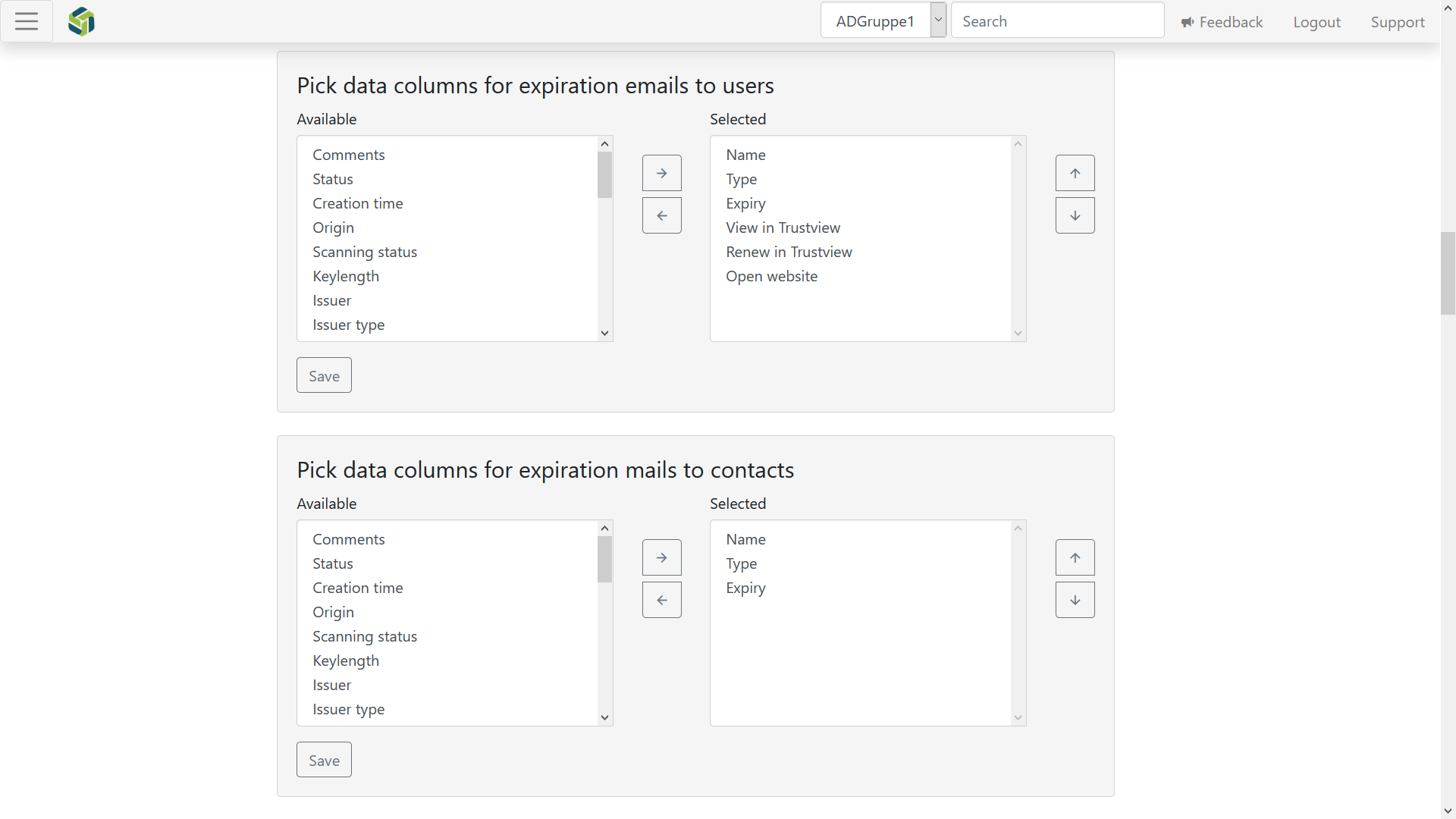
4.1.2. Certificate checkout emails
The email and SMS content can be modified here, in English and Danish independently of each other. Both the email and SMS support the certificate checkout tags.
A separate Mail sender address field on this page lets you override the sender address just for checkout mail, instead of using the shared support mail address (see here).
Important
To save the changes, click Update details. To undo your customizations, click Reset to default templates.
4.1.3. Summary mail sent to contacts
This is not the monthly status mail - it’s the daily summary mail sent to each external contact (see Notifications for how external contacts and their notification thresholds are configured), listing the monitored objects expiring within that contact’s own configured thresholds. The content, like the other notification mails, can be customized here with HTML, inline styling and adding or removing column fields.
Important
To save the changes, click Update details. To undo your customizations, click Reset to default templates.